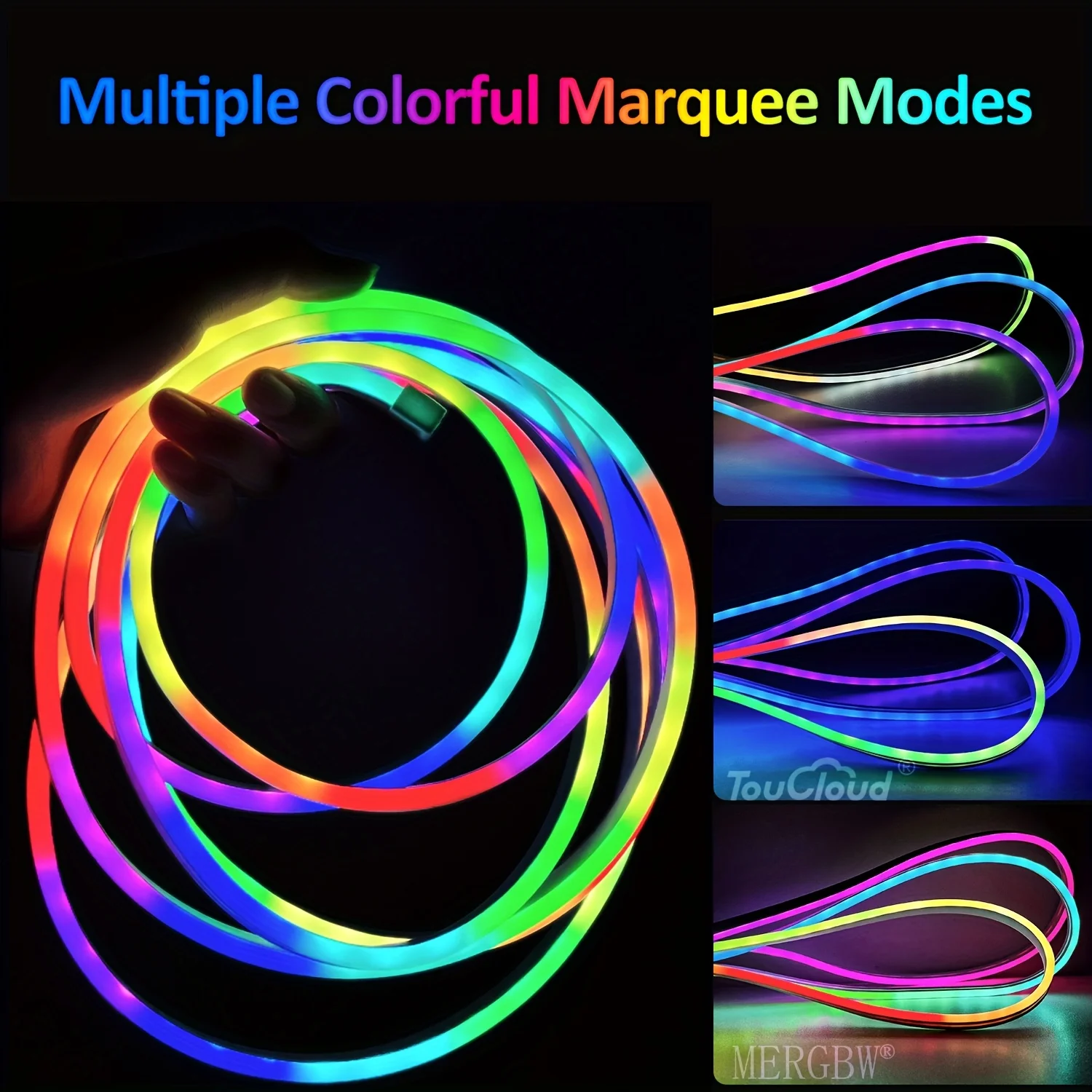
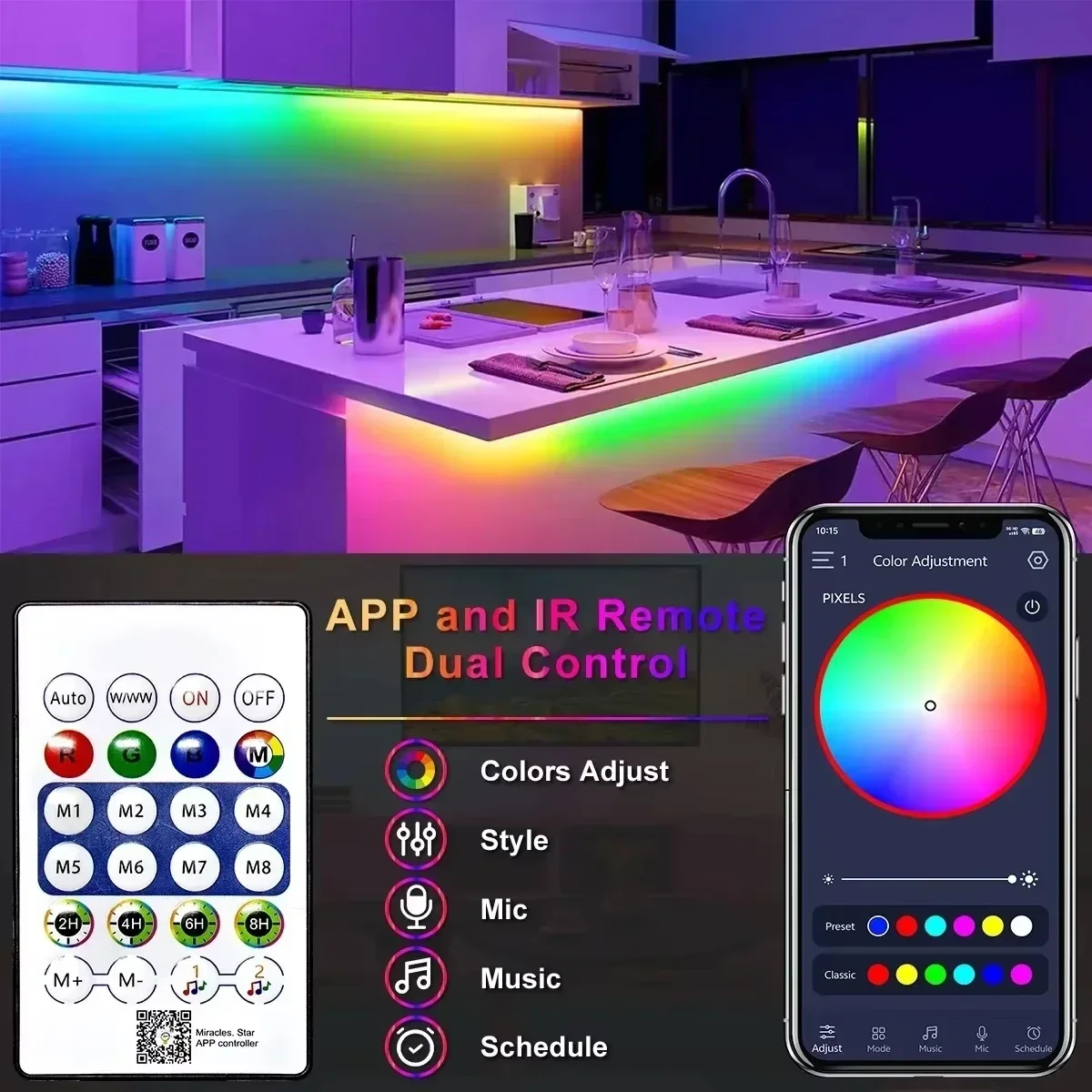
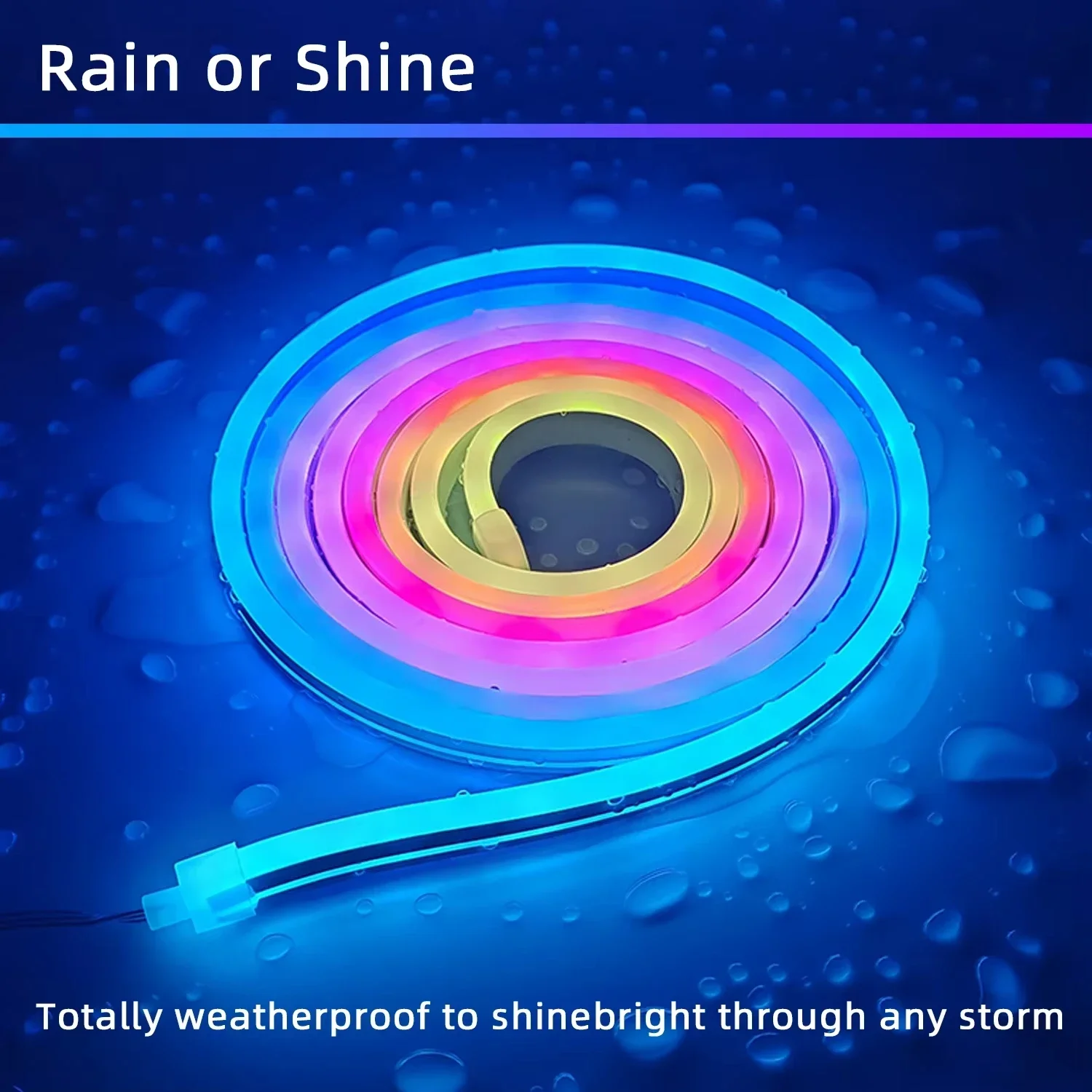
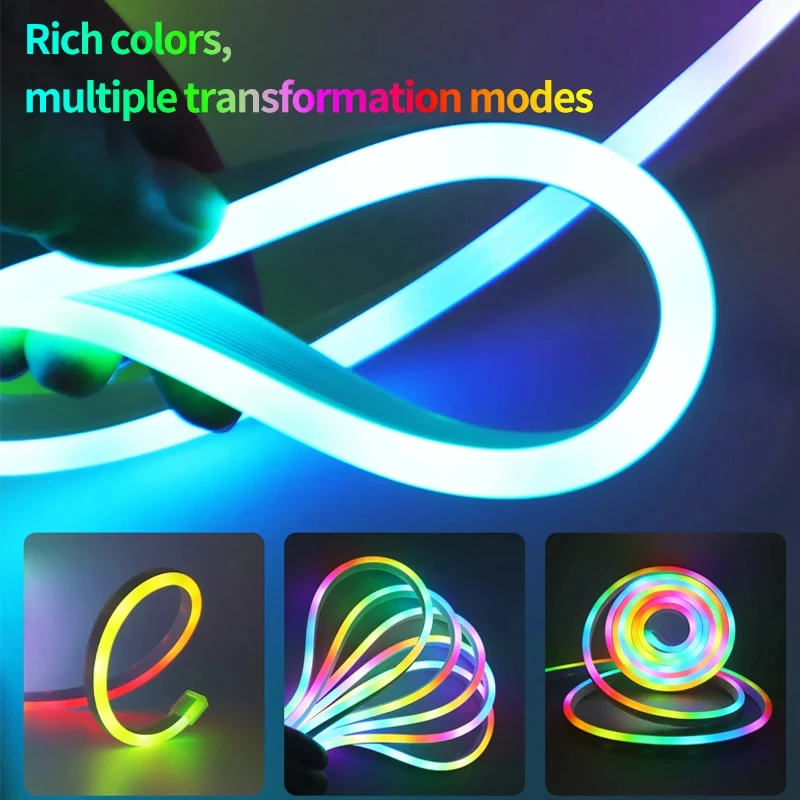
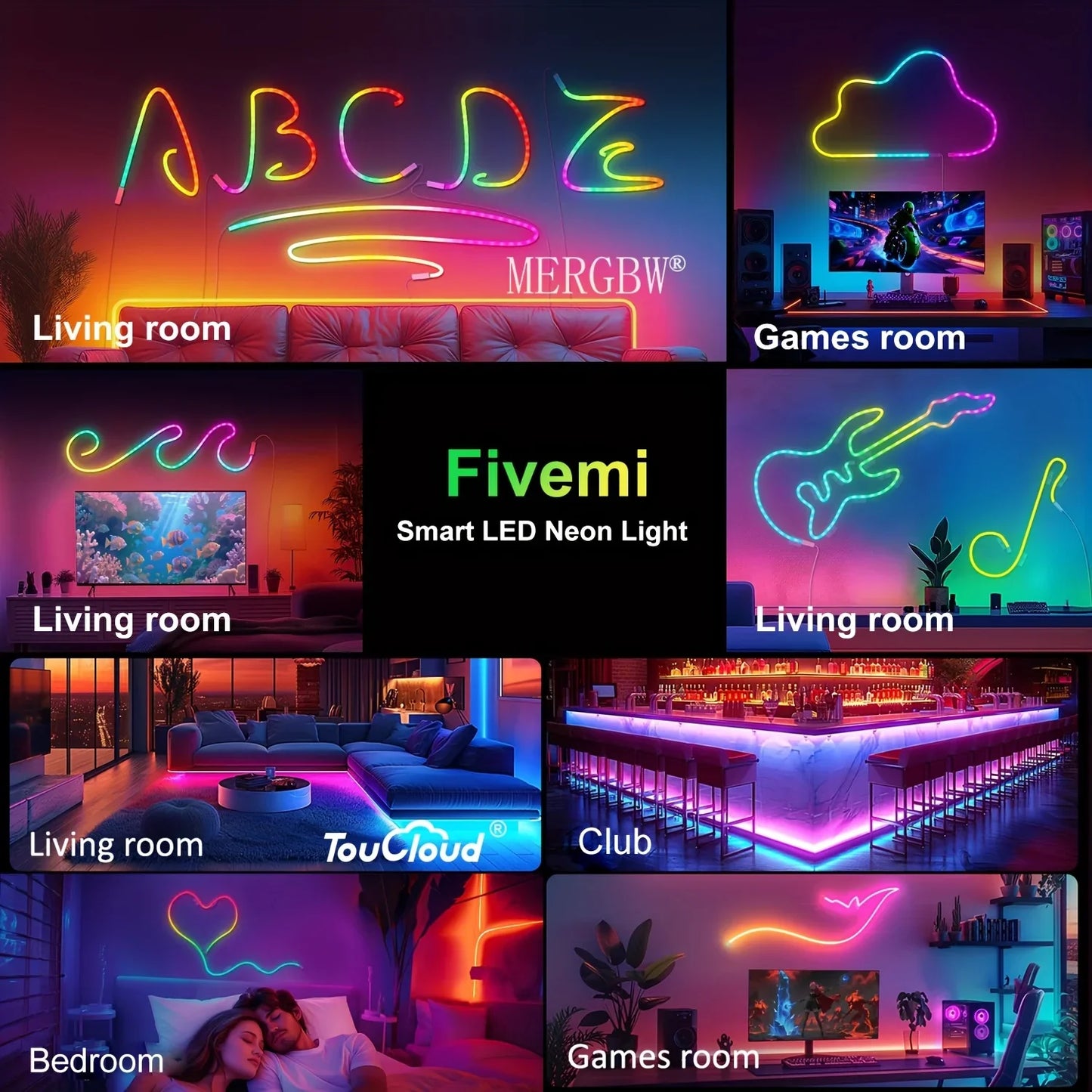
5V USB RGBIC Neon LED Strip Lights with Bluetooth APP Control Music Sync Waterproof Flexible Tape for Gaming Room Party Decor
5V USB RGBIC Neon LED Strip Lights with Bluetooth APP Control Music Sync Waterproof Flexible Tape for Gaming Room Party Decor
Regular price
$8.99 USD
Regular price
$0.00 USD
Sale price
$8.99 USD
Shipping calculated at checkout.
Quantity
Couldn't load pickup availability
SPECIFICATIONS
Average Life (hrs): 50000
Brand Name: saimili
Certification: ce,EMC,ROHS,CE,RoHs
Choice: yes
High-concerned chemical: None
Is Batteries Included: No
Is Smart Device: Yes
Item Type: Strip
LEDs Number/M: Decoration Bedroom Kitchen Led Light Garlands Tv Backlight
Luminous Flux: 249-2000
Model Number: Led lights for room Usb Led Light Led Strip Christmas Lights
Nominal Voltage: 5V
Origin: Mainland China
Power Generation: Always On
Power Source: DC
Voltage: 5V
Waterproof: Yes
specifications
Type: RGBIC Neon LED beam
Working voltage: DC5V
Waterproof: Yes.
LED type: SMD 2835
Length: 1M/2M/3M/5M/10M
Lighting color: RGBIC (dream color)
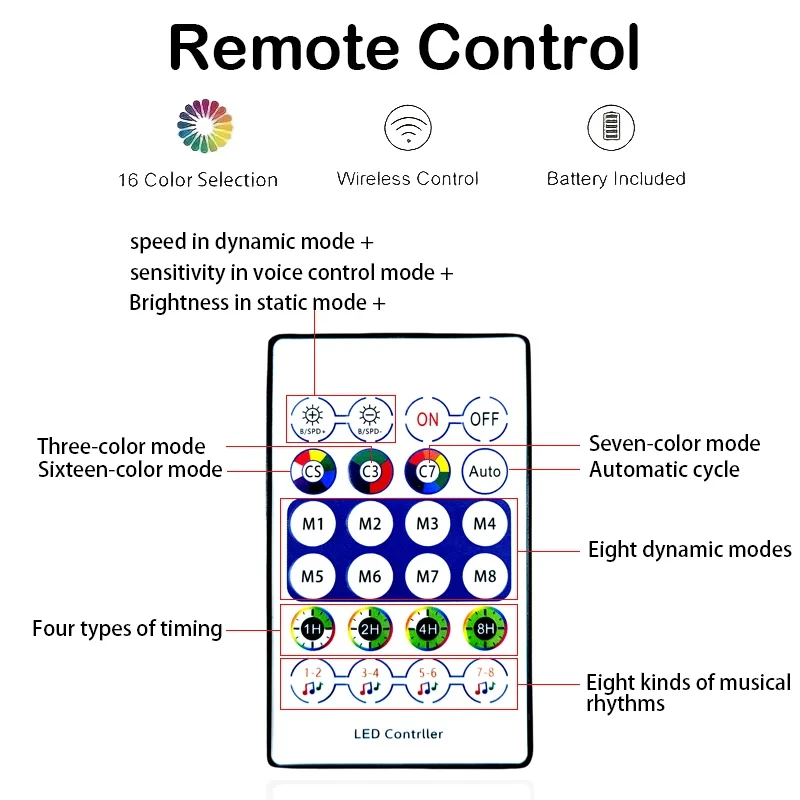
Control mode: Bluetooth/ remote control
Remote control: CR2025 (excluding battery)
Connecting step
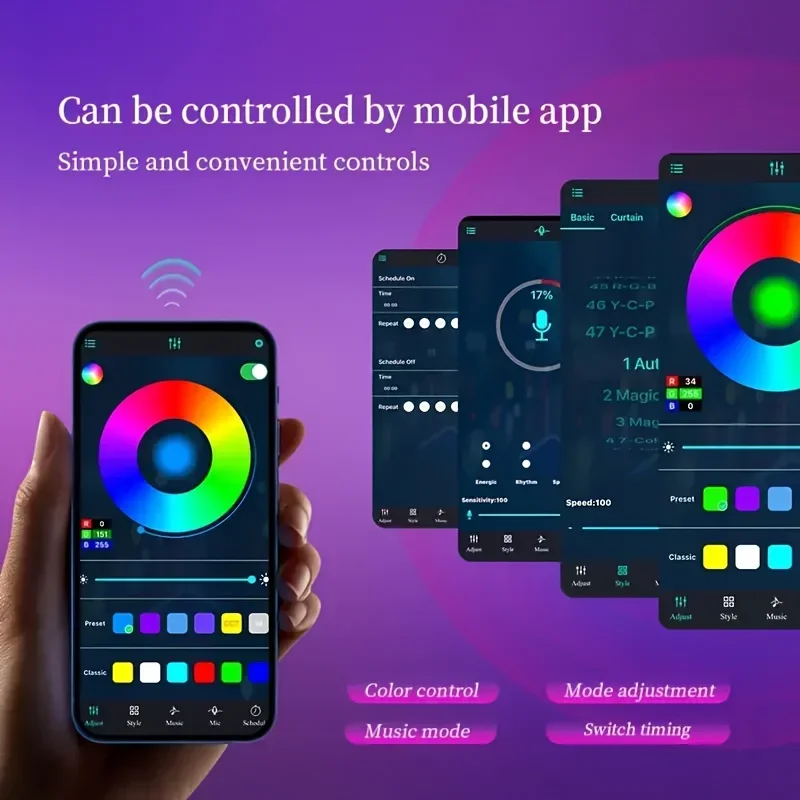
1: Open the application
2: Press and hold the controller button, and the light bar will display a red light and flash.
3: Add a device with "+"in the upper right corner.
4: Select strip light (WI-FI)
4: Add WIFI connection (insert password)
5: The indicator light flashes normally, and then click Next.
6: Successfully connected
(Please note)
If you receive the product, it is part of a light bulb account that will not light up, please follow the following steps. This is not a question of product quality.
1. The first step is to find the settings home page, and then find PlXELS and click it.
2. After finding PlXELS, you will see a value box from 8 to 300. Click the value box and enter 300.
3. After entering 300 in the value box, just click the "Yes" button to finish.
Type: RGBIC Neon LED beam
Working voltage: DC5V
Waterproof: Yes.
LED type: SMD 2835
Length: 1M/2M/3M/5M/10M
Lighting color: RGBIC (dream color)
Control mode: Bluetooth/ remote control
Remote control: CR2025 (excluding battery)
Connecting step
1: Open the application
2: Press and hold the controller button, and the light bar will display a red light and flash.
3: Add a device with "+"in the upper right corner.
4: Select strip light (WI-FI)
4: Add WIFI connection (insert password)
5: The indicator light flashes normally, and then click Next.
6: Successfully connected
(Please note)
If you receive the product, it is part of a light bulb account that will not light up, please follow the following steps. This is not a question of product quality.
1. The first step is to find the settings home page, and then find PlXELS and click it.
2. After finding PlXELS, you will see a value box from 8 to 300. Click the value box and enter 300.
3. After entering 300 in the value box, just click the "Yes" button to finish.